
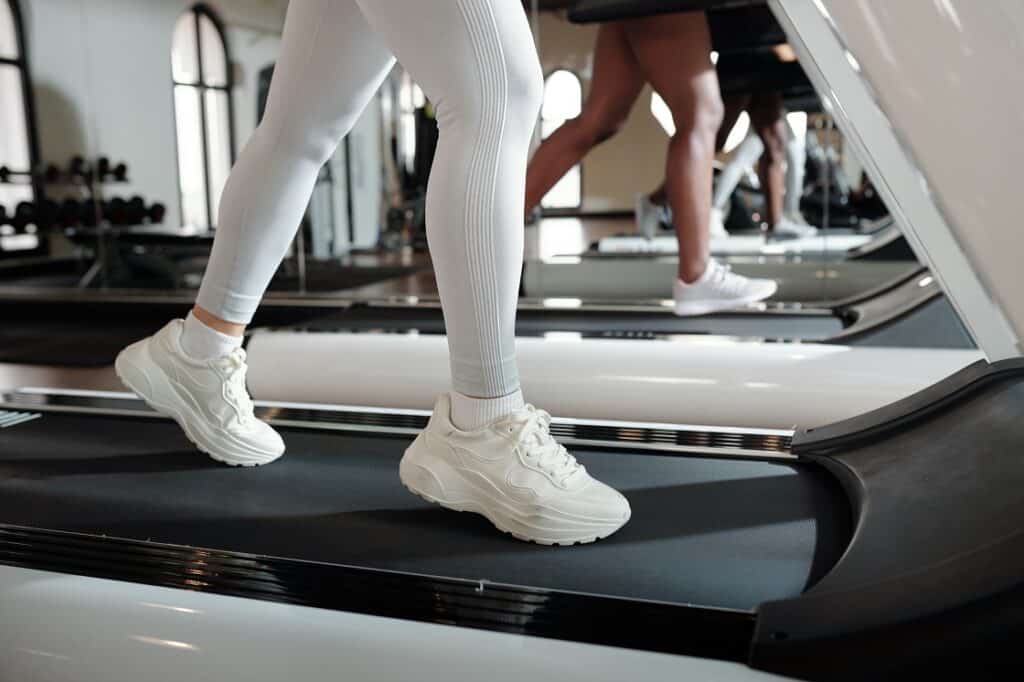







Under-Desk Treadmills with Incline
More Burn, More Fitness
Under-desk treadmills that incorporate an incline can yield additional health benefits. These benefits encompass burning additional calories, engaging additional muscle groups, and enhancing cardiovascular strength. You can achieve all these benefits without increasing the treadmill’s speed.
1. Why Incline Matters
During your workout, you will increase your inclination, which will give you the sensation of climbing a hill. You may be able to make your exercise much more challenging if you just stroll up hills, even if they are only mildly steep, rather of jogging or sprinting up them.
Health Benefits of Incline Walking:
- Burning more calories (up to 60% more than walking on level ground)
- Better training for the heart and blood vessels
- Hamstrings, calves, glutes, and core that are stronger
- Less stress on joints than running
- More activation of the back muscle chains
- Better posture and alignment of the spine
This is good for desk workers since they can still get the most out of their exercises by going slowly (1–2 mph).
2. Types of Incline on Under-Desk Treadmills
Type | Description |
|---|---|
| Manual Incline | Set physically by lifting rear feet of treadmill; fixed during use |
| Motorized Incline | Adjust incline level using buttons, usually on a remote or display console |
| Auto Adaptive Incline | The incline adjusts automatically based on the user’s heart rate or a programmed routine, although this feature is rarely used. |
Note: Most under-desk treadmills only have manual incline options because they are so low-profile, but high-end models now have motorized incline options to make them more useful.
3. Ideal Incline Ranges for Desk Treadmills
Incline % | Description | Best For |
|---|---|---|
| 0% | Flat surface | Basic walking, typing, entry-level users |
| 1–3% | Gentle incline | Improved muscle activation and posture |
| 4–6% | Moderate incline | Calorie burn and light cardio |
| 7–10% | Challenging incline | Serious fitness walkers, weight loss goals |
Most under-desk treadmills that can be used for slope training have a maximum incline range of 5 to 10 percent. Even relatively small rises can have a big effect on the results.
4. Top Under Desk Treadmills with Incline
A. LifeSpan TR5000-DT3 Under Desk Treadmill
- Incline: Motorized, up to 6%
- Maximum Speed: 4 mph
- Weight limit: 400 pounds
- Highlight: Commercial-grade motor that is very quiet
- Best For: People who work in an office for a long time and want to become fit
B. Exerpeutic TF1000 with Manual Incline
- Incline: 2 levels, manual
- 4 mph is the fastest speed.
- Weight limit: 400 pounds
- Extra broad belt and large grips are the best features.
- Best for: seniors or those in rehab who want to walk with a little more burn
C. Rhythm Fun Folding Treadmill with Incline
- Incline: 0–3% incline by hand
- Maximum Speed: 6.5 mph
- Weight limit: 265 pounds
- Main feature: Slim design and silent motor
- Best for: those who work from home or sometimes
D. Goplus 2-in-1 Folding Treadmill with Incline
- Incline: 3 levels, manual
- Maximum Speed: 7.5 mph
- Weight limit: 265 pounds
- Highlight: Two modes for walking and jogging
- Best for: home offices that may be used in many ways
5. Incline vs. Speed: What’s Better?
Comparison | Incline Walking | Speed Walking |
|---|---|---|
| Calories Burned | Higher | Moderate |
| Joint Impact | Lower (especially with incline) | Higher (at fast pace) |
| Muscle Engagement | Glutes, hamstrings, calves | Quads, calves |
| Mental Focus | Easier to maintain while typing | Harder to multitask |
| Noise Level | Similar | Similar |
People who can accomplish more than one activity at once should try walking on an uphill. It helps you lose weight and remain productive as you work at a desk.
6. Ergonomic Considerations
When you are working or typing, you should make sure that you have proper balance so that your back and hands do not get too weary. When traveling up and down hills, this is something that is extremely crucial to keep in mind.
A. Desk Adjustments:
- Bring the screen up to your eye level, particularly if going forward affects how you stand.
- A wrist pad will help you keep your hands steady.
- When you need a break to walk, change the height of your chair or standing desk.
B. Walking Tips:
- You can preserve the proper form by taking fewer steps.
- Don’t get too far ahead.
- You should take a break every so often to stretch your legs or put your feet up.
7. User Scenarios: Who Should Use Incline?
A. Remote Professionals:
“I walk at 1.5 mph with a 3% inclination. It feels like a good stroll, but it doesn’t get in the way of my typing or Zoom calls.”
B. Weight Loss Seekers:
“Changing from walking on a flat surface to an incline made a big difference.” I shed 10 pounds in 6 weeks by exercising while I was on the phone.”
C. Seniors:
“I use the Exerpeutic on the lowest incline just to get a bit more out of each step.”
D. Rehabilitation Patients:
“Incline helps me rebuild muscle without needing to jog or walk too fast. It’s much easier on my knees.”
8. Treadmill Maintenance with Incline Use
The extra stress that an inclined treadmill puts on the motor and belt may mean that it needs a little more maintenance.
Maintenance Tips:
- You should oil the belt once a month.
- Make sure the inclination mechanism is sturdy, especially the hand steps.
- Every two weeks, please make sure that the space under the machine is clean.
- When you run uphill, a jogging mat will help you remain on your feet.
9. Real Reviews from Incline Treadmill Users
A. Fitness Enthusiast:
“The LifeSpan incline settings let me read emails while I work out. I don’t even need to go to the gym anymore.”
B. Busy Executive:
“I plan three incline workouts per day during Zoom meetings. I’ve stopped nibbling in the afternoon and my legs feel stronger.”
C. Apartment Dweller:
“Incline had a big effect without making noise or bothering the neighbors. I start to sweat when I go 2 mph on a 5% slope.”
10. Is Incline Worth It?
Need | Incline Recommended? |
|---|---|
| Burn more calories | Yes |
| Improve lower body strength | Yes |
| Multitask while working | Yes |
| Prioritize quiet operation | Yes (low incline) |
| Require ultra-slim design | Maybe not |
| Have limited mobility or knee pain | Use flat first |
Even a little exercise can help you get fit, boost your energy, and make walking under your desk more active. There should be an angle in your desk so that you can walk around more while you work.
- Best Under-the-Desk Treadmill
- Best Walking Treadmill Under Desk
- The Rise of Under-Desk Treadmills
- What Is an Under-Desk Treadmill?
- Understanding Weight Capacity in Under-Desk Treadmills
- Best Under Desk Treadmills by Weight Capacity
- Finding Under-Desk Treadmills
- Under-Desk Treadmills on Amazon
- Comparing Weight Capacities Under Desk Treadmills
- Best Under Desk Treadmills with Handles
















